





처음 만난 리액트 (React)
Search
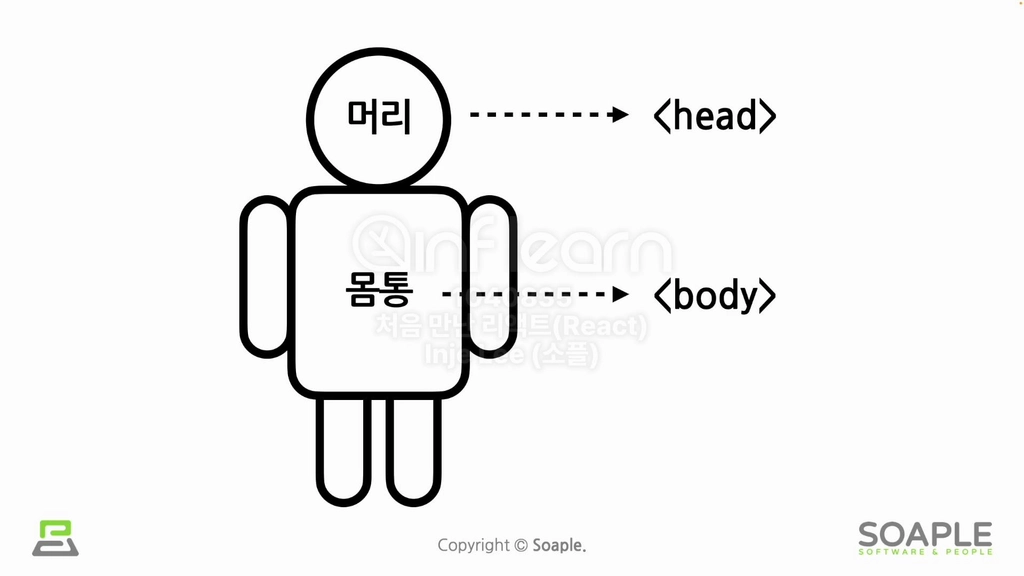

1. HTML과 CSS
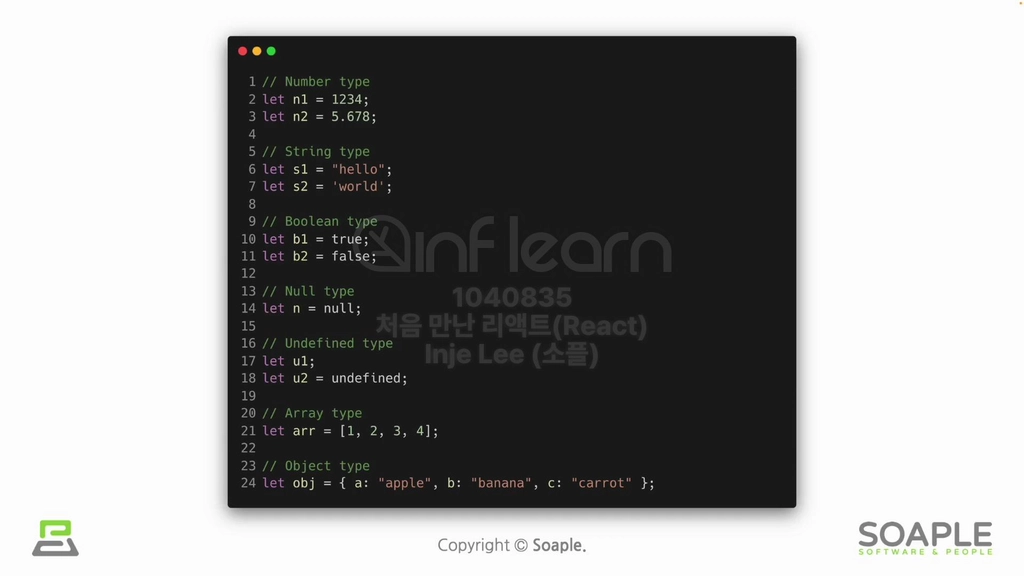

2. JavaScript 소개 및 자료형


3. JavaScript의 연산자
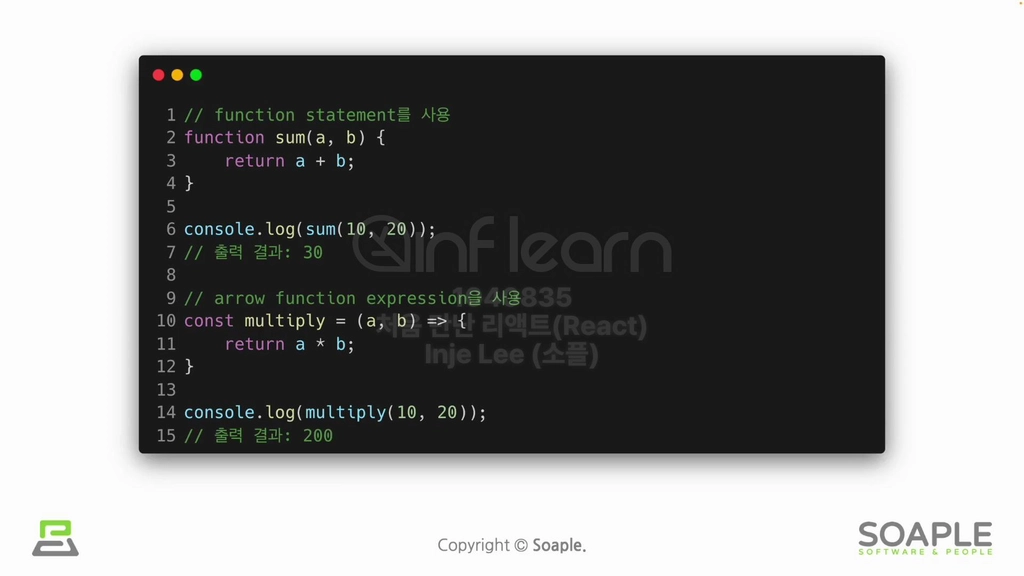

4. JavaScript의 함수
•
windows에서는 powershell, macOS에서는 terminal 사용
•
Node.js, npm 설치
•
vsc 설치

개발환경 설정하기
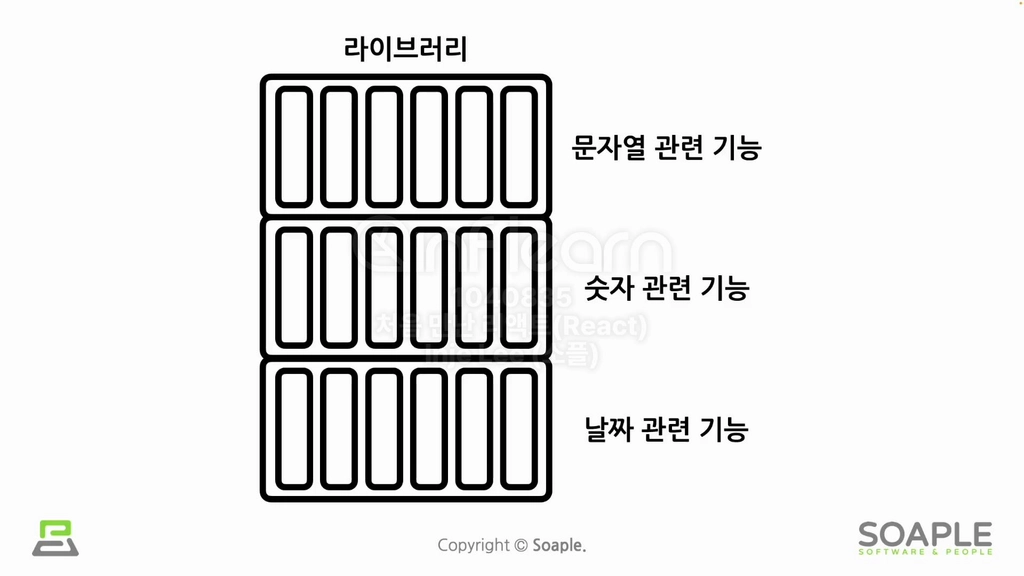

리액트는 무엇인가?
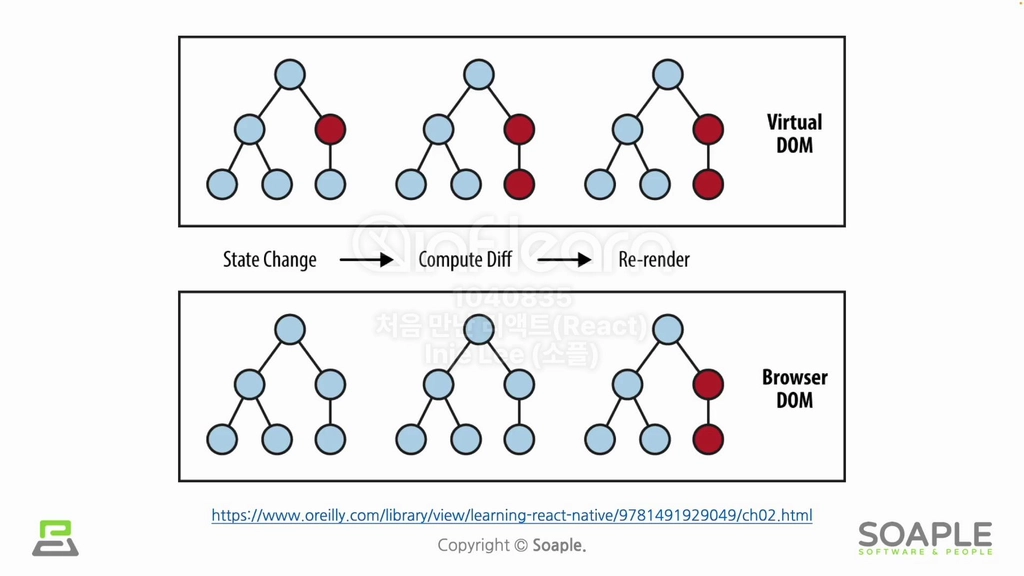

React의 장점과 단점
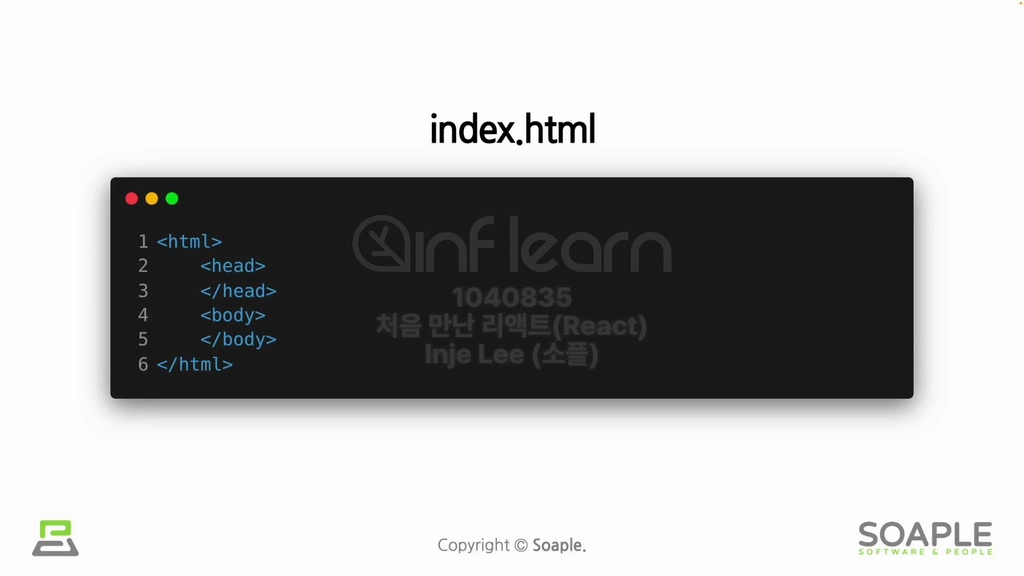

직접 리액트 연동하기


create-react-app
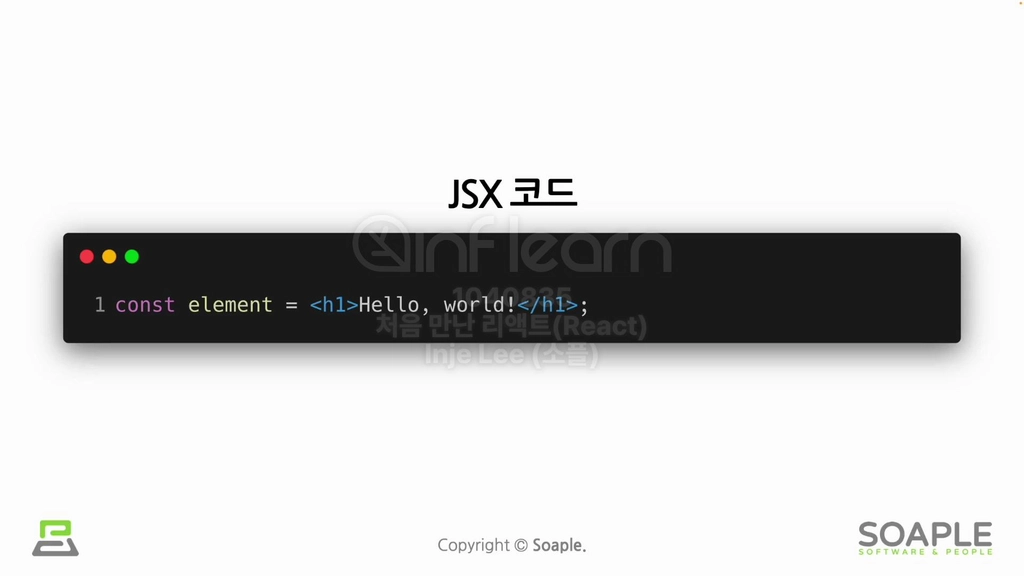

10. JSX란?


11. JSX의 장점


12. JSX 코드 작성해보기
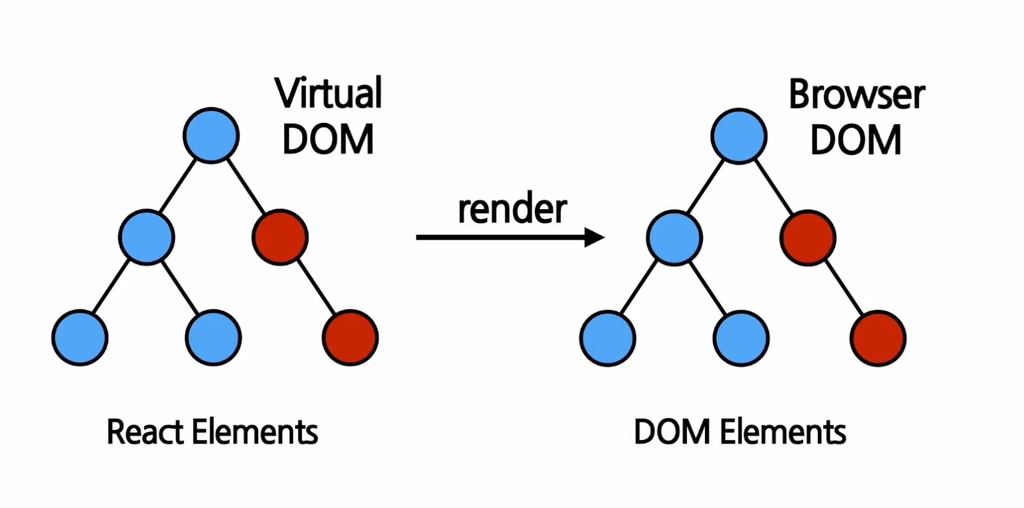

13. Rendering Elements
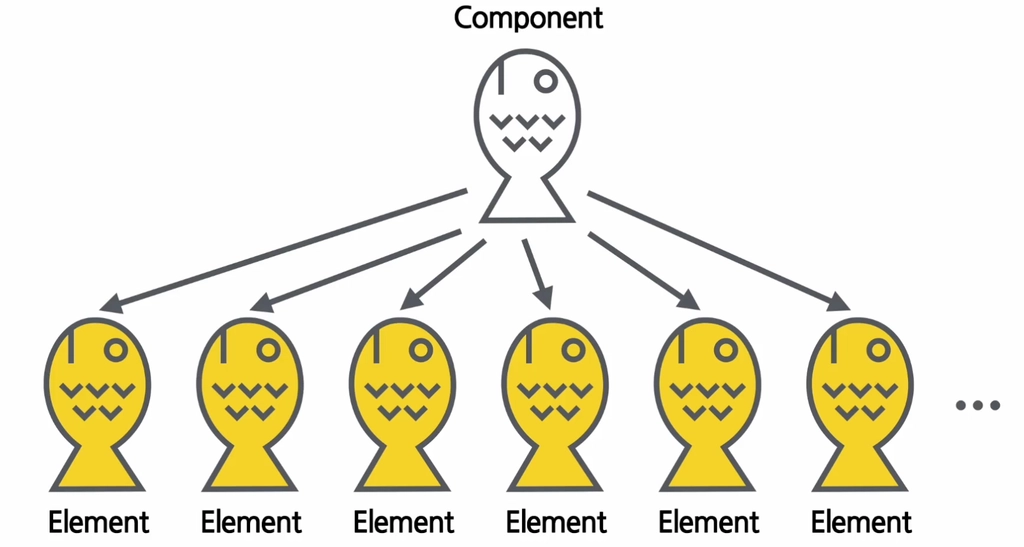

14. Elements의 특징 및 렌더링하기
import React from "react";
function Clock(props) {
return (
<div>
<h1>안녕, 리액트!</h1>
<h2>현재 시간: {new Date().toLocaleTimeString()}</h2>
</div>
)
}
export default Clock;
const root = ReactDOM.createRoot(document.getElementById('root'));
setInterval(() => {
ReactDOM.render(
<React.StrictMode>
{/* <Library /> */}
<Clock />
</React.StrictMode>,
document.getElementById('root')
);
}, 1000)

15. (실습) 시계 만들기
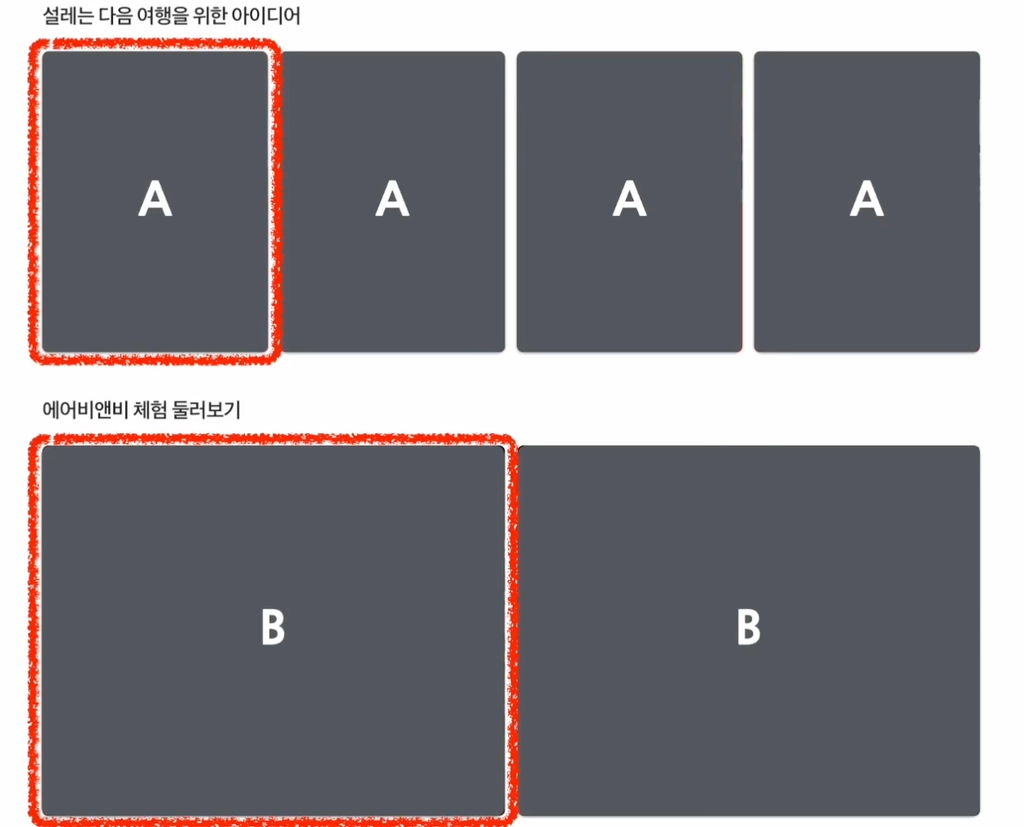

16. Components와 Props의 정의


17. Props의 특징 및 사용법
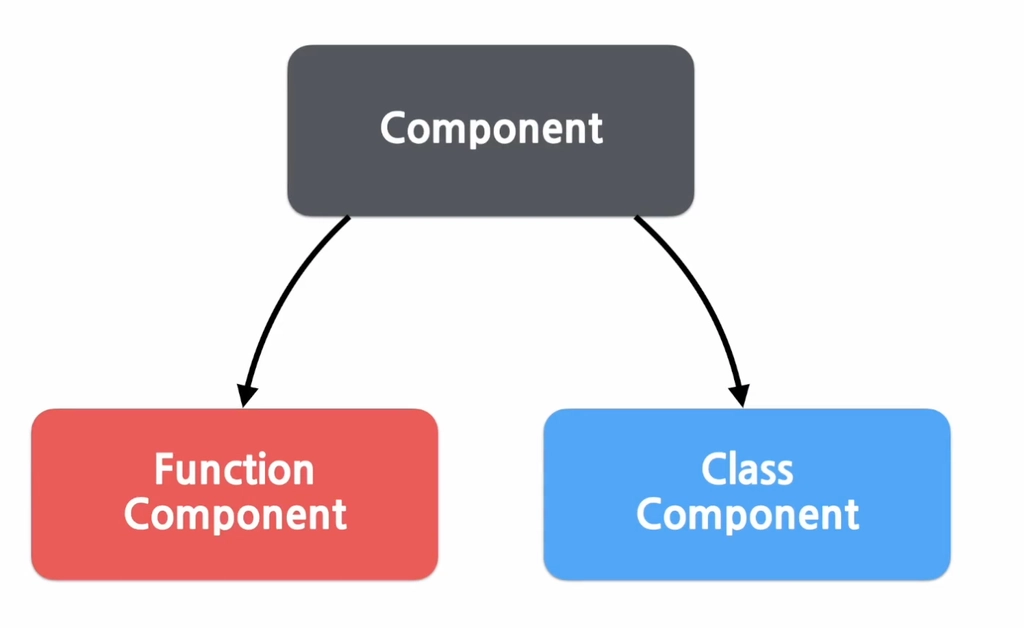

18. Component 만들기
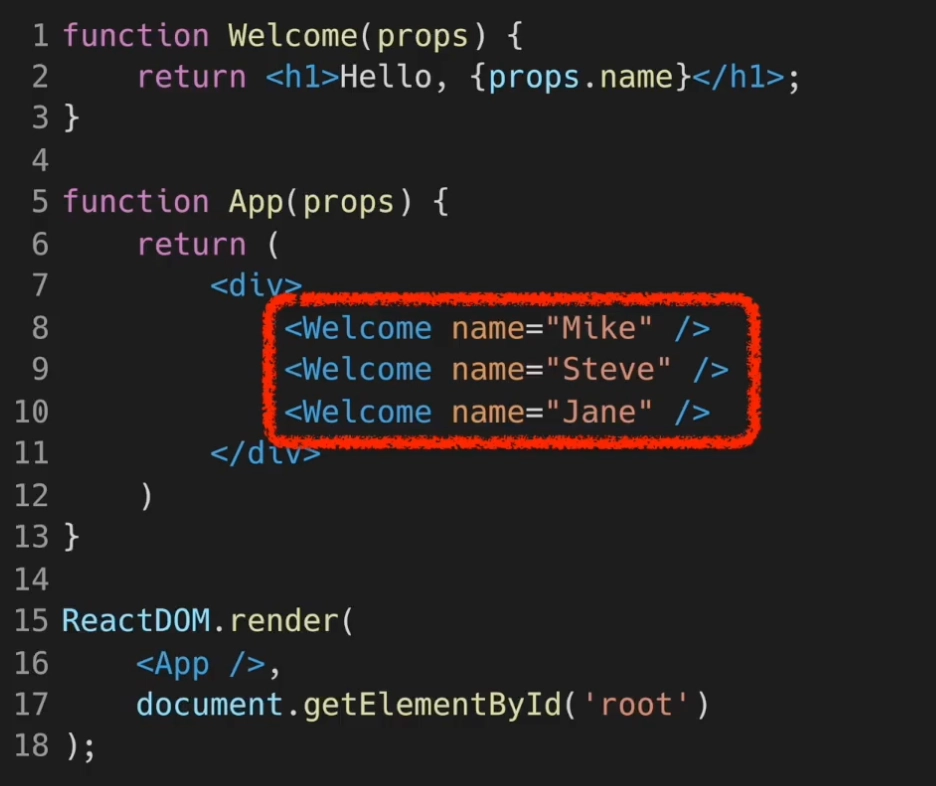

19. Component 합성
•
Comment.jsx
import React from "react";
const styles = {
wrapper: {
margin: 8,
padding: 8,
display: "flex",
flexDirection: "row",
border: "1px solid gray",
borderRadius: 16,
},
imageContainer: {},
image: {
width: 50,
height: 50,
borderRadius: 25,
},
contentContainer: {
marginLeft: 8,
display: "flex",
flexDirection: "column",
justifyContent: "center",
},
nameText: {
color: "black",
fontSize: 16,
fontWeight: "bold",
},
commentText: {
color: "black",
fontSize: 16,
}
};
function Comment(props) {
return (
<div style={styles.wrapper}>
<div style={styles.imageContainer}>
<img
src="https://upload.wikimedia.org/wikipedia/commons/8/89/Portrait_Placeholder.png"
style={styles.image}
/>
</div>
<div style={styles.contentContainer}>
<span style={styles.nameText}>{props.name}</span>
<span style={styles.commentText}>
{props.comment}
</span>
</div>
</div>
);
}
export default Comment;
•
CommentList.jsx
import React from "react";
const styles = {
wrapper: {
margin: 8,
padding: 8,
display: "flex",
flexDirection: "row",
border: "1px solid gray",
borderRadius: 16,
},
imageContainer: {},
image: {
width: 50,
height: 50,
borderRadius: 25,
},
contentContainer: {
marginLeft: 8,
display: "flex",
flexDirection: "column",
justifyContent: "center",
},
nameText: {
color: "black",
fontSize: 16,
fontWeight: "bold",
},
commentText: {
color: "black",
fontSize: 16,
}
};
function Comment(props) {
return (
<div style={styles.wrapper}>
<div style={styles.imageContainer}>
<img
src="https://upload.wikimedia.org/wikipedia/commons/8/89/Portrait_Placeholder.png"
style={styles.image}
/>
</div>
<div style={styles.contentContainer}>
<span style={styles.nameText}>{props.name}</span>
<span style={styles.commentText}>
{props.comment}
</span>
</div>
</div>
);
}
export default Comment;

20. (실습) 댓글 컴포넌트 만들기
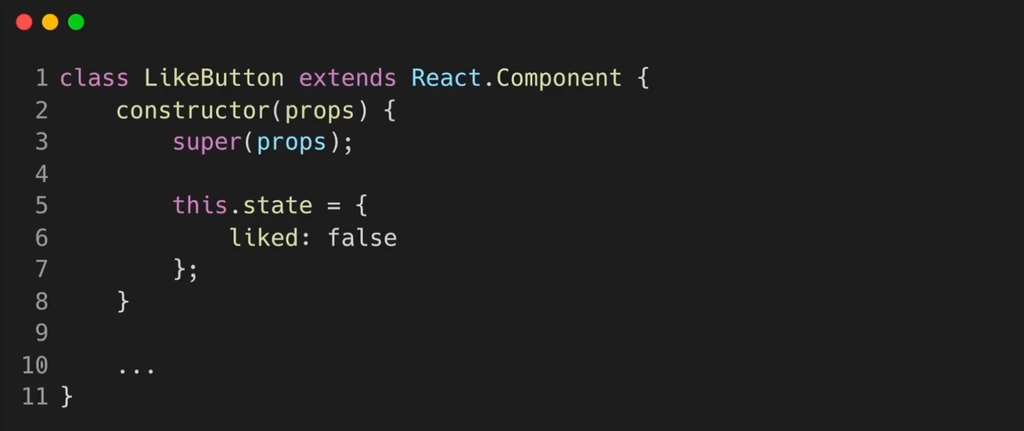
21. State and Lifecycle
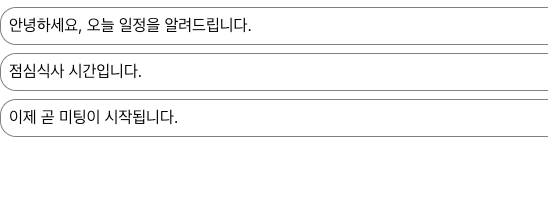
22. (실습) state 사용하기
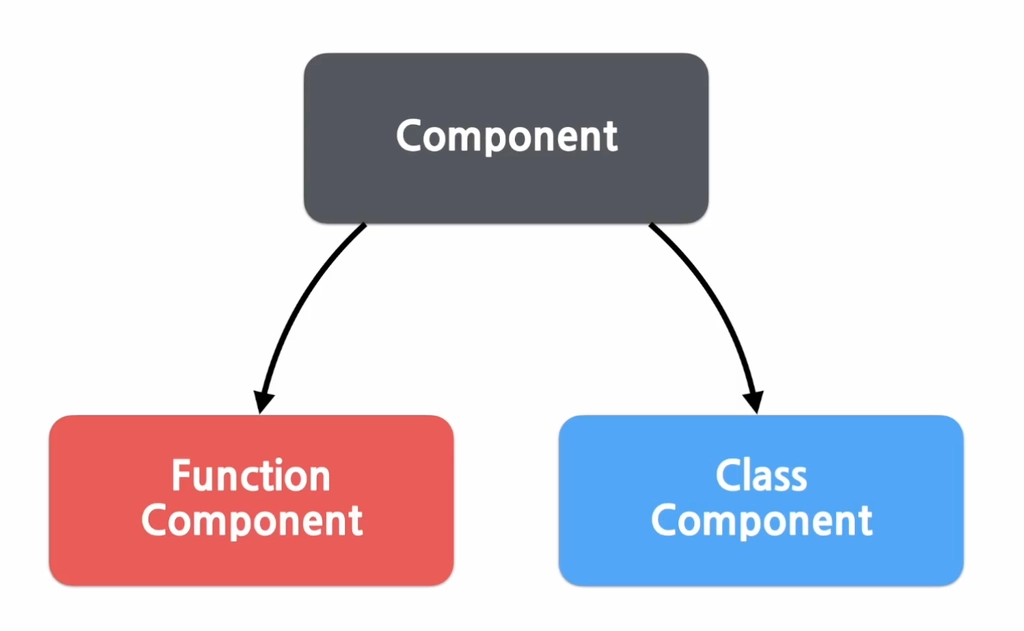

23. Hooks의 개념과 useState, useEffect


24. useMemo, useCallback, useRef
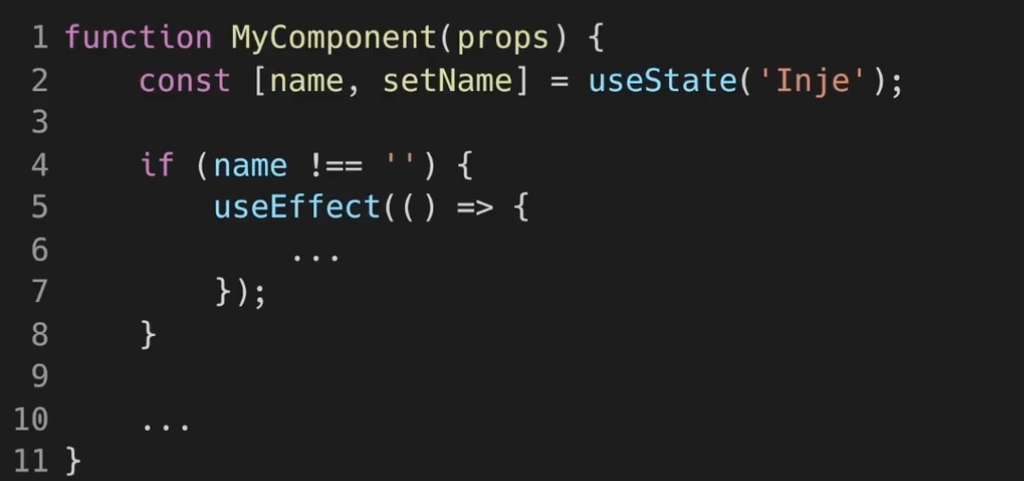

25. Hook의 규칙
Load more